Demo
See VAT validation in WooCommerce checkout.
The demo shows how VAT Sentinel handles a valid VAT number, an invalid number, and the admin record of each check.
The demo is for testing the checkout flow only. Do not enter real customer data.
What you can try
Valid VAT number
Enter a valid cross-border EU VAT number and see reverse charge applied.
Invalid VAT number
Enter an invalid number and see VAT remain on the order.
Admin records
Review the status panel and recent validation records.
What the checkout looks like
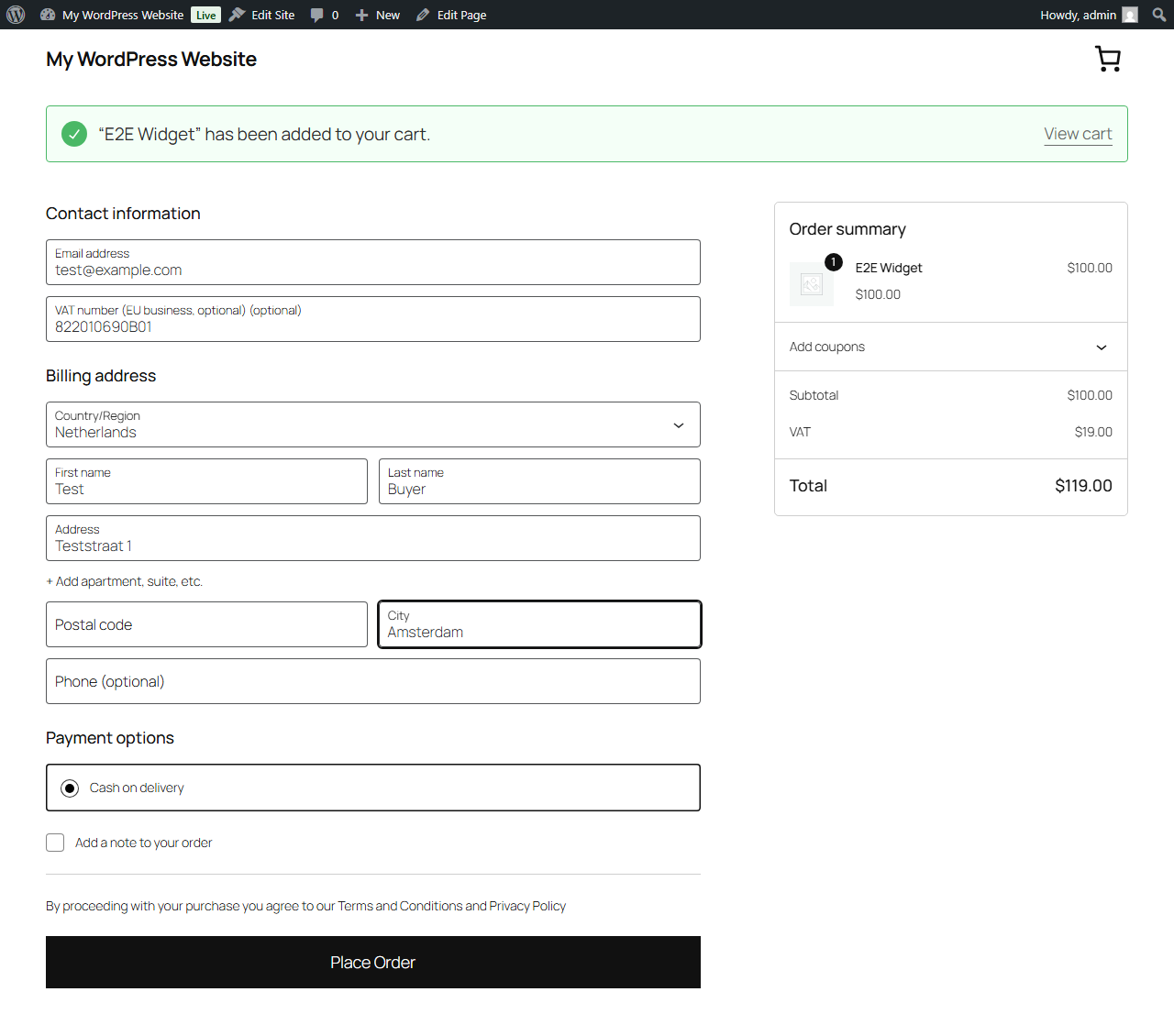
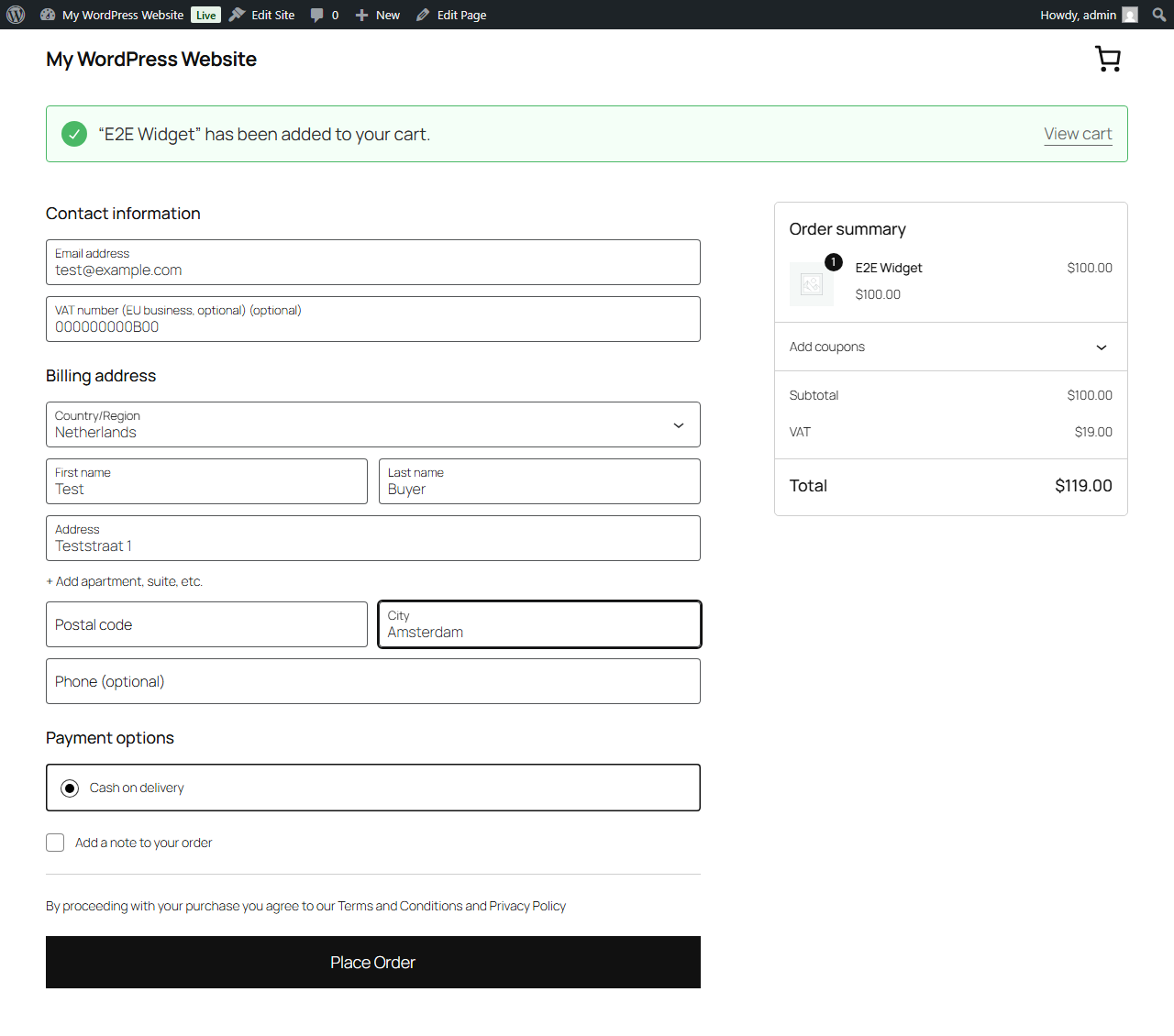
The public demo is not available from this button yet. The screenshots show the current checkout and admin flow.